Free video tools that work in your browser
Trim, merge, reverse, loop, speed up, mute and add music to your videos, and edit and resize photos, on any phone or computer. Nothing to install, nothing to sign up for, and nothing is uploaded.
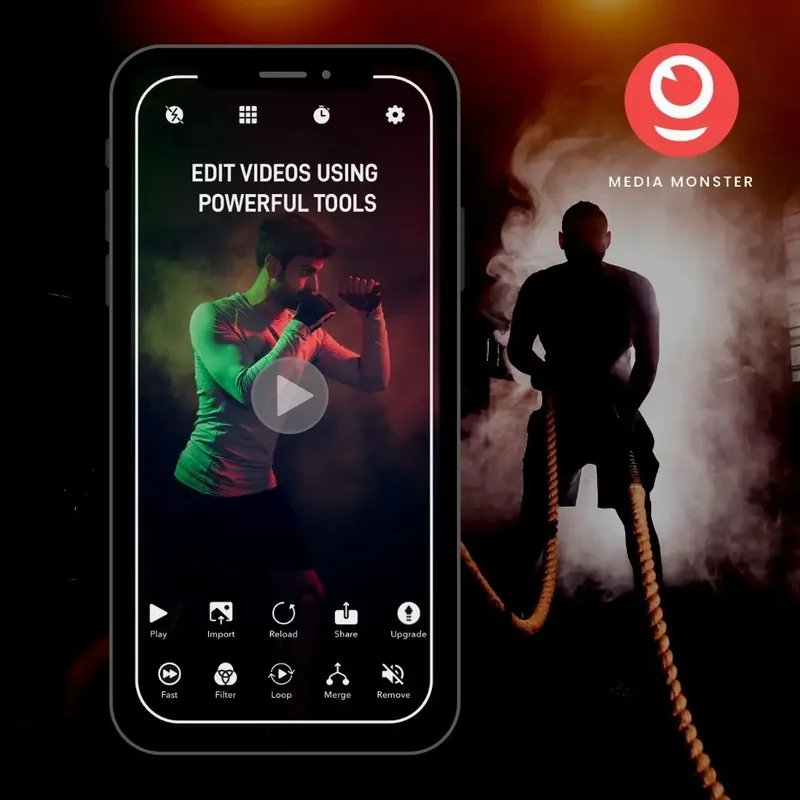
Most popular
More tools
Why people use them
Private
Edited in your browser. Nothing is uploaded, so your videos never leave your device.
Free, no account
Every tool is free, with no sign-up and no watermark.
Any phone or computer
iPhone, Android, Mac, Windows or a tablet: if it has a browser, it works.
Nothing to install
Open a tool and start. You see the result as you go, and save an MP4.
How it works
Pick a tool and a clip
Choose a tool, then a video from your phone or computer.
Adjust it
Trim, reorder, fade, speed up or add music. The preview follows every change.
Save it
Save the video as an MP4 to your device, ready to share.
Questions
Yes. Every tool is free to use, with no account and no watermark.
No. The tools work in your browser, so your files never leave your device.
No. The tools run in your web browser on any phone, tablet or computer.
Yes. It is saved as an MP4, which plays on iPhone and Android phones, tablets and computers.
Ready to edit your video?
Pick a tool and start. It is free, and your video never leaves your device.
Start editing, free